Your parent account is the admin of your family's interest media, social media your family actually owns. Screen time, downtime, and who-can-DM are built into the platform, anything that needs your yes waits in one approvals queue, and the whole house runs on one family dashboard. No ads. No data sales. No strangers in the DMs.
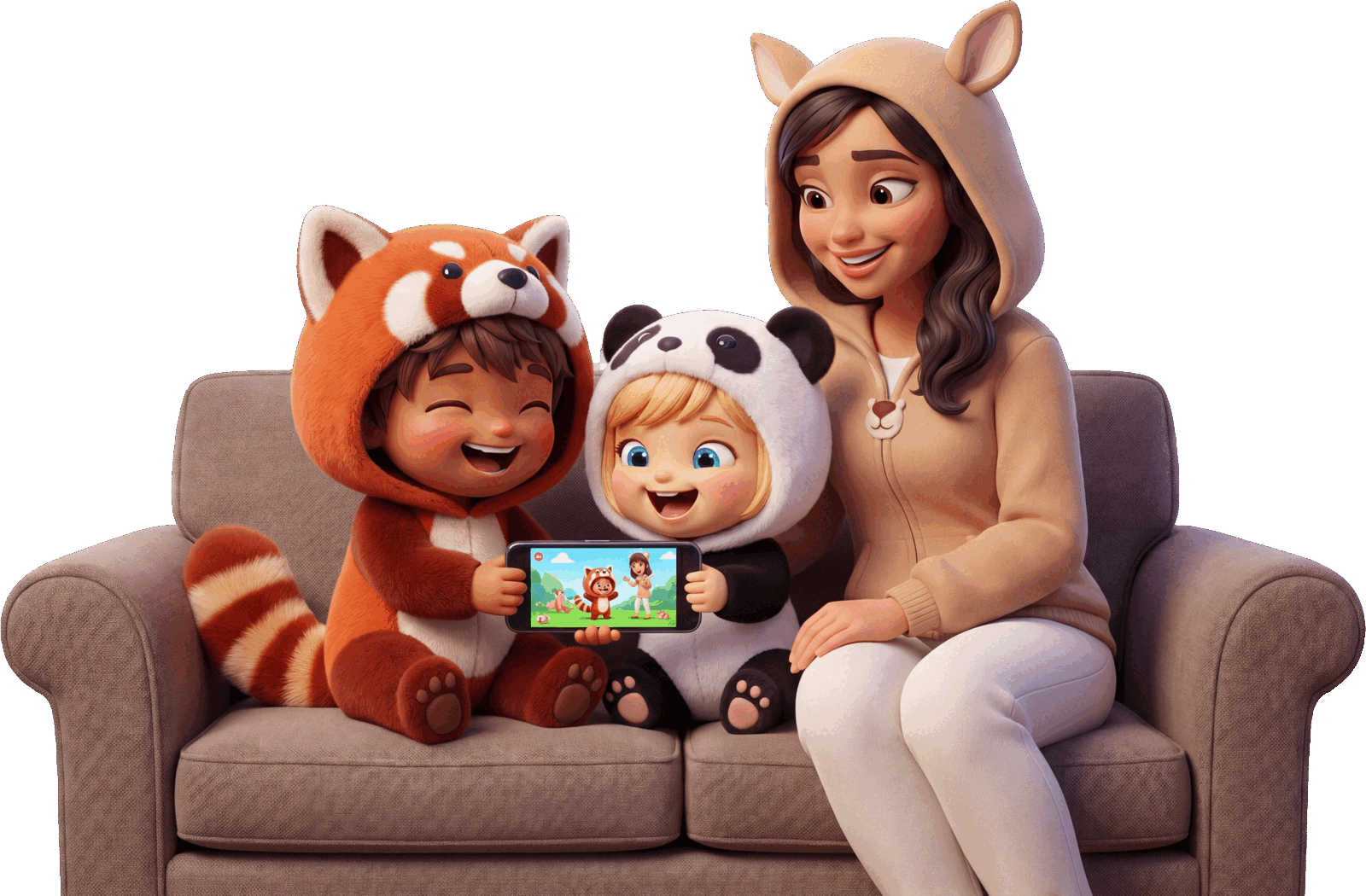
What do parents get on Helm? A single account that manages every kid and teen in the house. On other platforms, controls are bolted on. On Helm, the controls are the platform, and every kid tap runs through them.
Screen-time budgets, downtime hours, and who-can-DM allowlists live inside Helm itself. Nothing extra to install, nothing for a clever kid to route around.
DM requests, chore check-offs, and reward redemptions that need a parent's yes land in a single queue you clear from your phone in seconds.
Chores & stars, the meal planner, the shared calendar, and rewards & redemptions on one dashboard, on a platform with no ads and no data sales.
Not concept art. These are real Helm screens: the controls behind every kid and teen account, the queue where your decisions live, and the dashboard your household runs on.
How do parental controls work on Helm? Behind every kid and teen account sits a control panel only you can touch. Give each child a daily screen-time budget, block off downtime hours, and lock DMs to the people you approve.
New DM contacts, chore check-offs, and reward redemptions all wait for you in a single queue. Approve or deny from your phone in seconds, and the decision applies instantly across the whole platform.
Set a chore once with a star value and a schedule. Kids check it off in their app, stars roll up, and they redeem for rewards you define. The meal planner and the shared color-coded calendar sit right beside it, so the whole day lives in one place.
Kids and Teens get their own COPPA-safe Who it's for with allowlist DM safety, plus platform-wide moderation under clear community guidelines. When your kid goes live, the audience is family-only, you are notified the moment it starts, and one tap from your phone ends the stream.

How do you set up a Helm parent account? Sign up, link each kid, and pick the rules once. From then on, Helm enforces them automatically and routes anything that needs your yes to the approvals queue.
Sign up free in minutes. Your parent account is the admin for every kid and teen you link, all from one login.
Add each child with a COPPA-safe Kids or Teens account. Parent consent is built into the flow, not buried in settings.
Set screen time, downtime, and who-can-DM. Add chores, meals, and calendar events. Helm handles the rest, every day.

Each member of the house gets the account built for them, and every one of them answers to yours.
COPPA-safe accounts for under-13s: parent-linked, allowlist DMs, and an approvals queue on everything.
See the kid experience → 🌟More independence with safer defaults. You stay in the loop without hovering over every post.
See the teen experience → 🏠The full household picture: the dashboard, the calendar, the chores, and family-only Live in one tour.
See Helm for families →Set up your whole household on family-safe interest media in one evening. No ads, no data sales, and every control in your hands.