Helm for families · family-safe social media
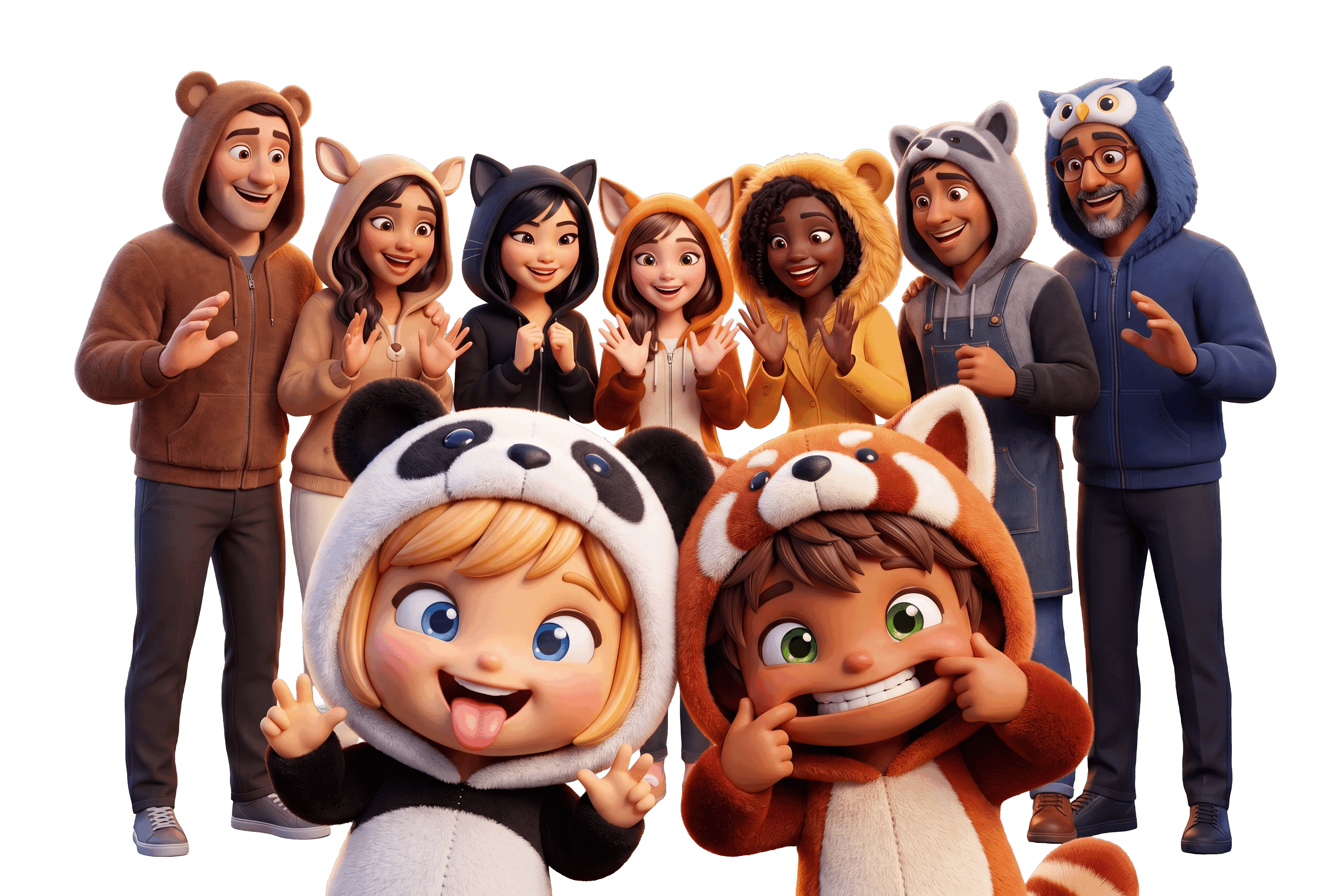
Social media you can hand your kid.

Helm is interest media built family-safe from day one: real parental controls, COPPA-safe Kids & Teens accounts, and a family dashboard for chores, meals, and the calendar. No ads. No data sales. No strangers in the DMs.
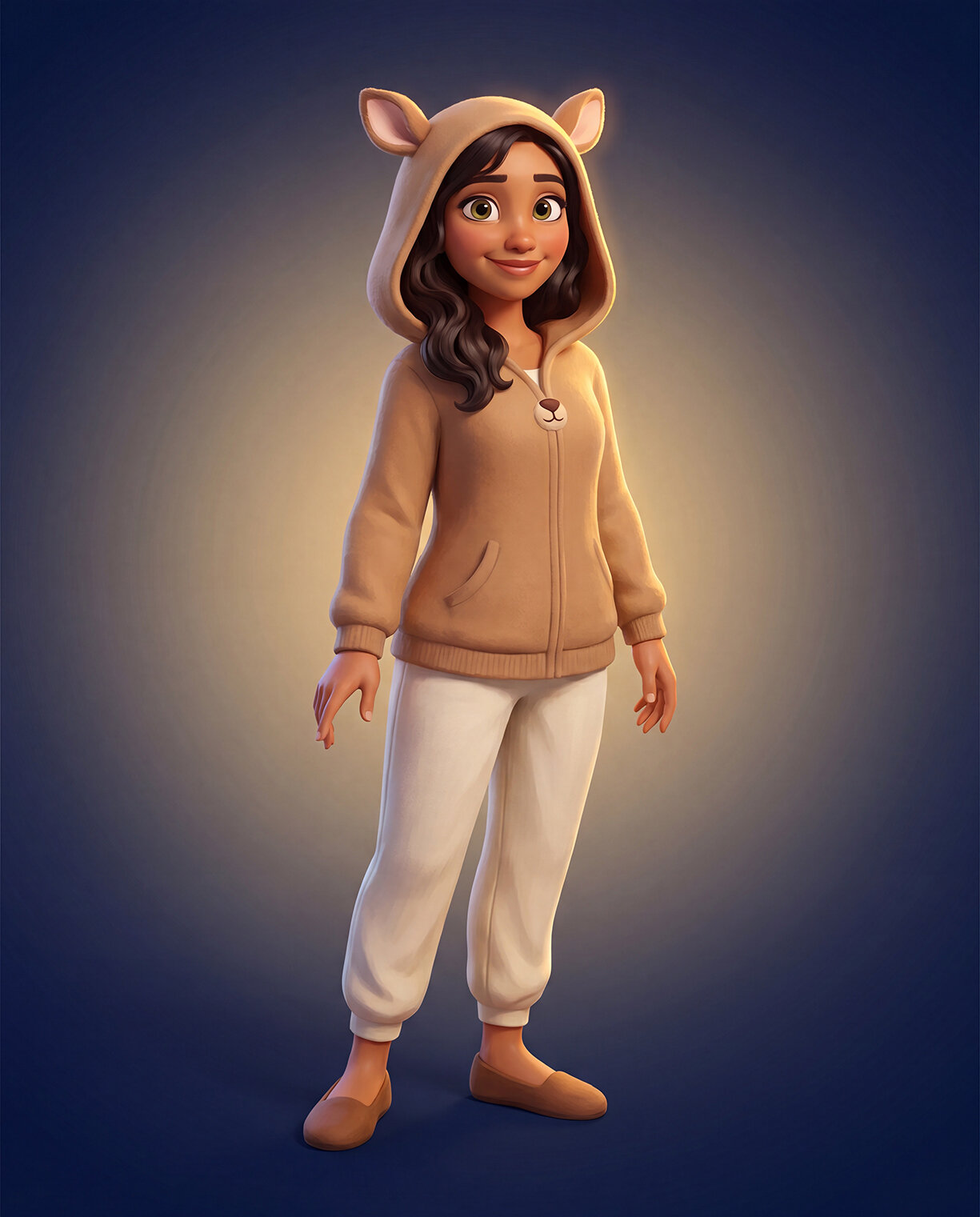
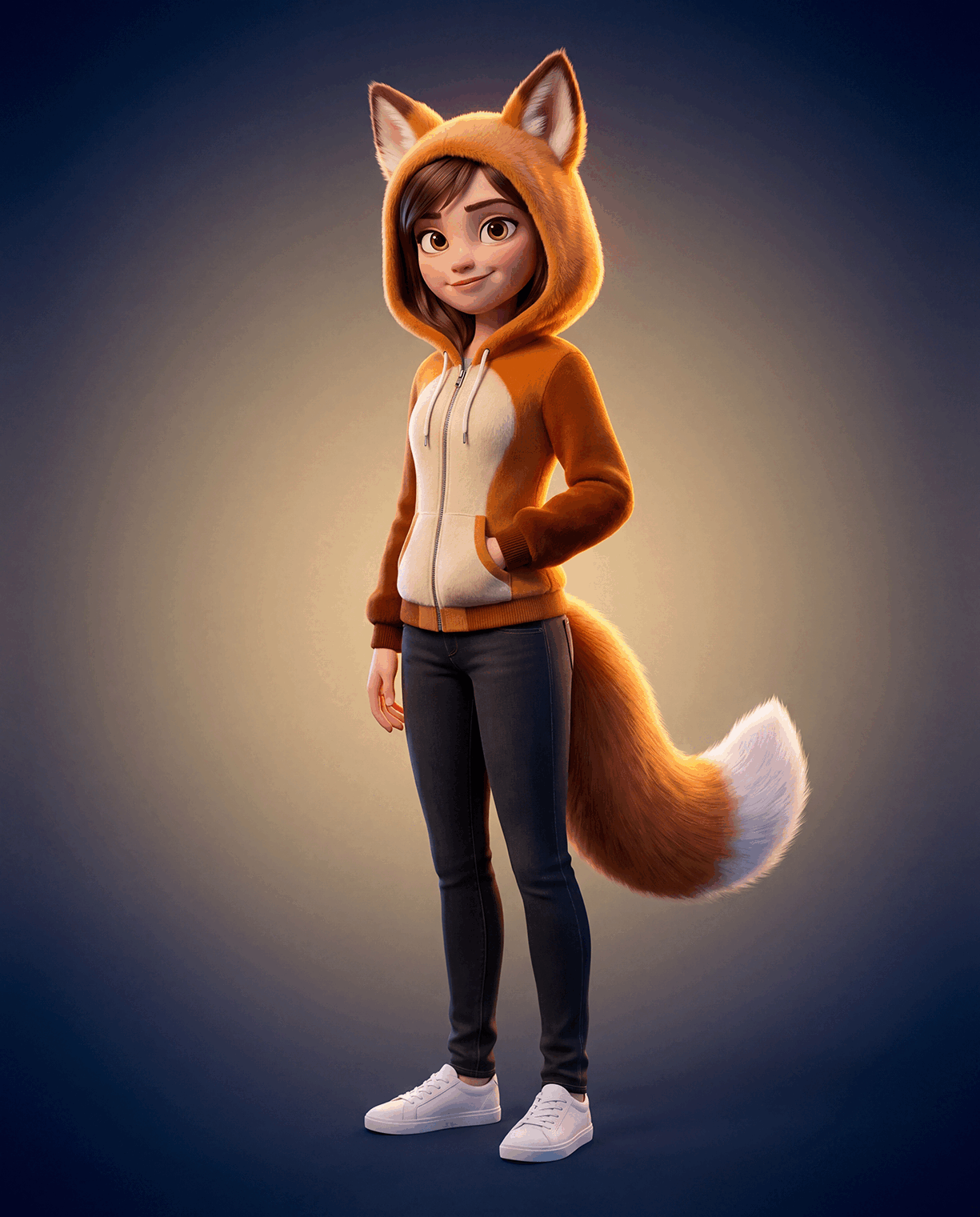
The Helm mascot family together on the family-safe social media platform
Why parents choose Helm

A platform you can actually trust.

What is family-safe social media on Helm? It means the safety features are built into the platform itself, not bolted on. You set the rules once, and Helm enforces them on every tap.

🔒

Controls that stick

Screen-time budgets, downtime hours, and who-can-DM settings live inside Helm itself. There's no separate app to install and nothing for a clever kid to route around.

🏠

A dashboard the whole family uses

Chores and stars, the meal planner, the shared calendar, and rewards all live on one home screen. It's the reason your family opens Helm every day.

🛡️

Safe by default

COPPA-safe Kids & Teens accounts, allowlist-only DMs, an approvals queue for parents, and platform-wide moderation with clear community guidelines.

See the actual app

This is what your family gets.

Not concept art. These are real Helm screens: the parental controls behind every kid account and the dashboard your whole house runs on.

Parental controls

Set the rules once. Helm enforces them.

Behind every kid and teen account sits a control panel only you can touch: screen time, downtime, and who can DM. Anything that needs a parent's yes lands in your approvals queue first.

  • Daily screen-time budget and downtime hours
  • Who-can-DM locked to your approved allowlist
  • An approvals queue for the things that need your yes
Sign up free
Nova's controls
@nova · teen account
Today's screen time42 / 120 min
Downtime hours
Blocks posts, follows & DMs
Who can DM
Family onlyFamily + approved
Notify me on go-live
Require post approval
The family dashboard

One home screen for the whole household.

Everyone's day at a glance: today's events, chores and stars, and this week's meals. It replaces the chore chart, the wall calendar, and the group-text chaos.

  • Shared color-coded calendar, one row per kid
  • Chores & stars with rewards and redemptions you define
  • A meal planner the whole family can see
Sign up free
😊Good morning! Here's what's on today.
11:08 AMMONDAY, JUL 6
Today's Events📅
.
Iris
Nova
Atlas
Sage
11:0811a
12p
1p
2p
3p
4pNova · Soccer practice
5pAtlas · Piano lesson
6pFamily · Taco night
📅🍴
The shared calendar, try it

One calendar the whole family actually checks.

Color-coded per person and synced to every kid's app. Switch views and tap an event. This is the real calendar, right here.

July 2026
Mon
30
Tue
1
Wed
2
Thu
3
Fri
4
Sat
5
Sun
6
Nova: Soccer practiceToday · 4:00-5:30 PM · Riverside Field
Tap any event
Chores & stars

Chores in. Stars out.

Kids check chores off in their own app, stars roll up, and they redeem for rewards you define. Every star and every redemption is tracked, so nobody argues about who did what.

  • Set a chore once with a star value and a schedule
  • Check-offs land in your approvals queue first
  • Rewards & redemptions you control, start to finish
Sign up free
Nova's chores
This week · Sunday
Stars earned this week★ 128
Make the bed★ 5
Walk the dog★ 10
Load the dishwasher★ 8
Homework hour★ 15
Redeem stars
📺 +1 hour screen time★ 40
🍿 Movie night pick★ 100
Kid & teen accounts

Built COPPA-safe, from the ground up.

Kids and Teens get their own Who it's for with allowlist DM safety and family-only Live. When your kid goes live, you're notified instantly, and one tap from your phone ends the stream.

  • COPPA-safe Kids & Teens accounts with parent consent
  • Family-only Live: no strangers in the audience
  • One-tap stop + parent notify on every go-live
See the kid experience
Nova & Sage 1.2kFollowing
👁 6 watching
🔒 Family & approved only
❤️
Iris looking good sweetie! ❤️
Grandma 👋 hi Nova
Atlas do the trick!
Say something nice…🎁
Fast to start

Set up your family in 3 steps.

How do parental controls work on Helm? You create the parent account, link each kid, and pick the rules. From then on, Helm enforces them automatically.

1

Create your parent account

Sign up free in minutes. Your parent account is the household admin for every kid and teen you link.

2

Link your kids and teens

Add each child with a COPPA-safe Kids or Teens account. Parent consent is built into the flow, not buried in settings.

3

Pick the rules once

Set screen time, downtime, and who-can-DM. Add chores, meals, and calendar events. Helm handles the rest, and anything that needs your yes hits the approvals queue.

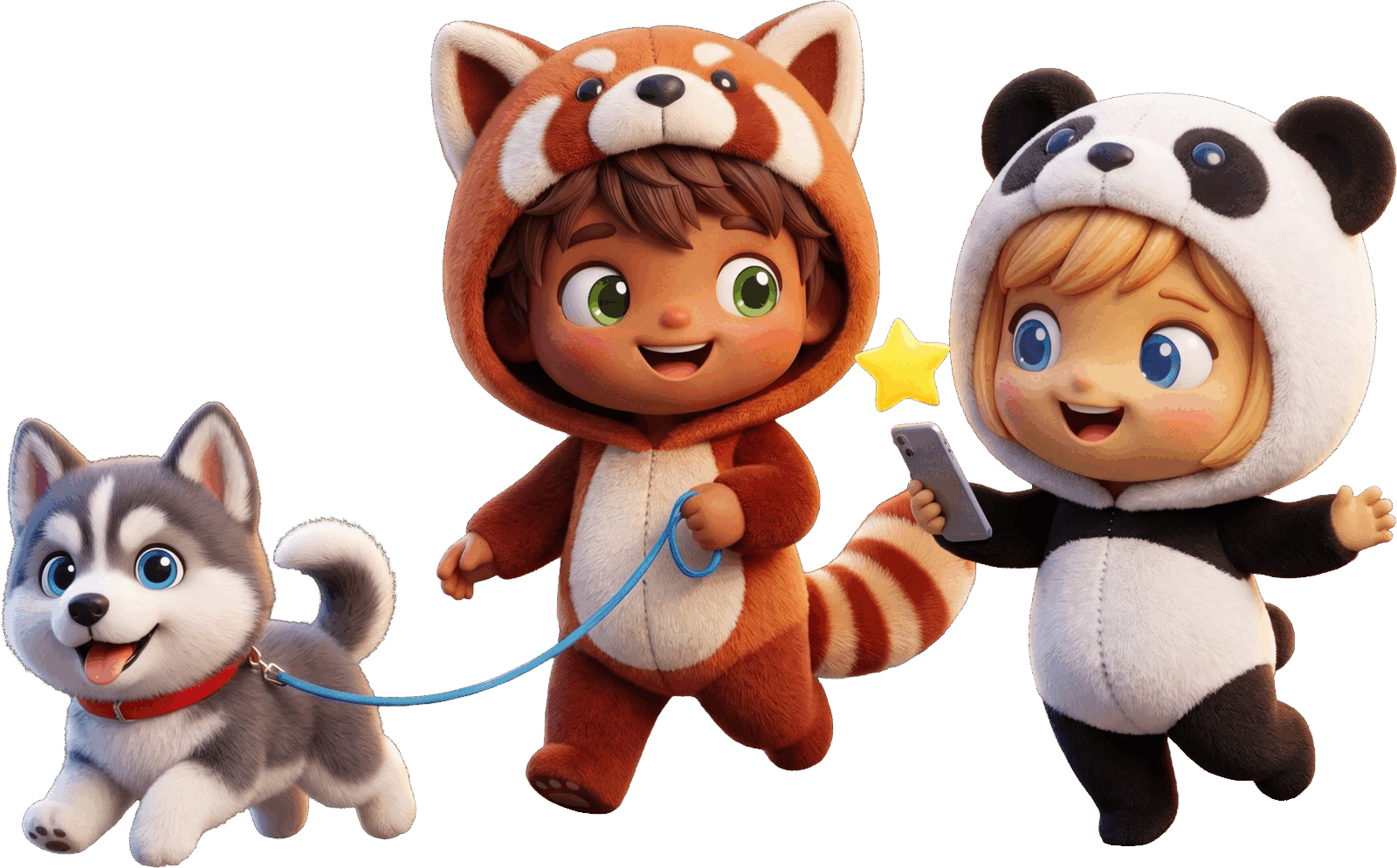
Pip and Rio walking the dog to check off a chore in the Helm family dashboard
The right home for every age

One Helm, everyone's version.

Each member of the house gets the account built for them, with the feed, tools, and safety that fit.

Pip, the Helm kids mascot

Kids

COPPA-safe accounts for under-13s: parent-linked, allowlist DMs, and an approvals queue on everything.

See the kid experience →
Nova, the Helm teens mascot

Teens

More independence with safer defaults. Parents stay in the loop without hovering over every post.

See the teen experience →
Iris, the Helm parents mascot

Parents

The household admin: controls, approvals, chores, meals, and the calendar in one dashboard.

Run your household →
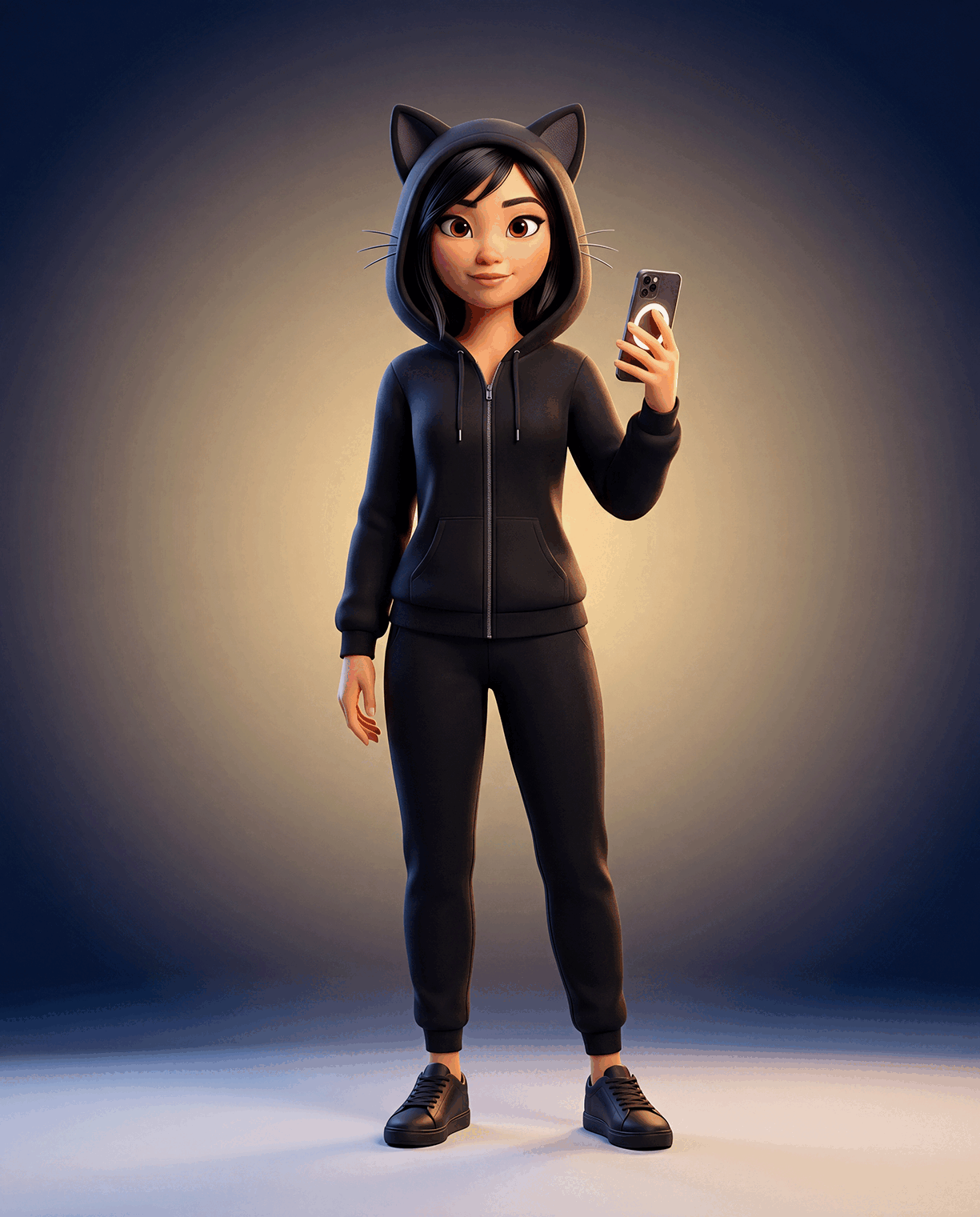
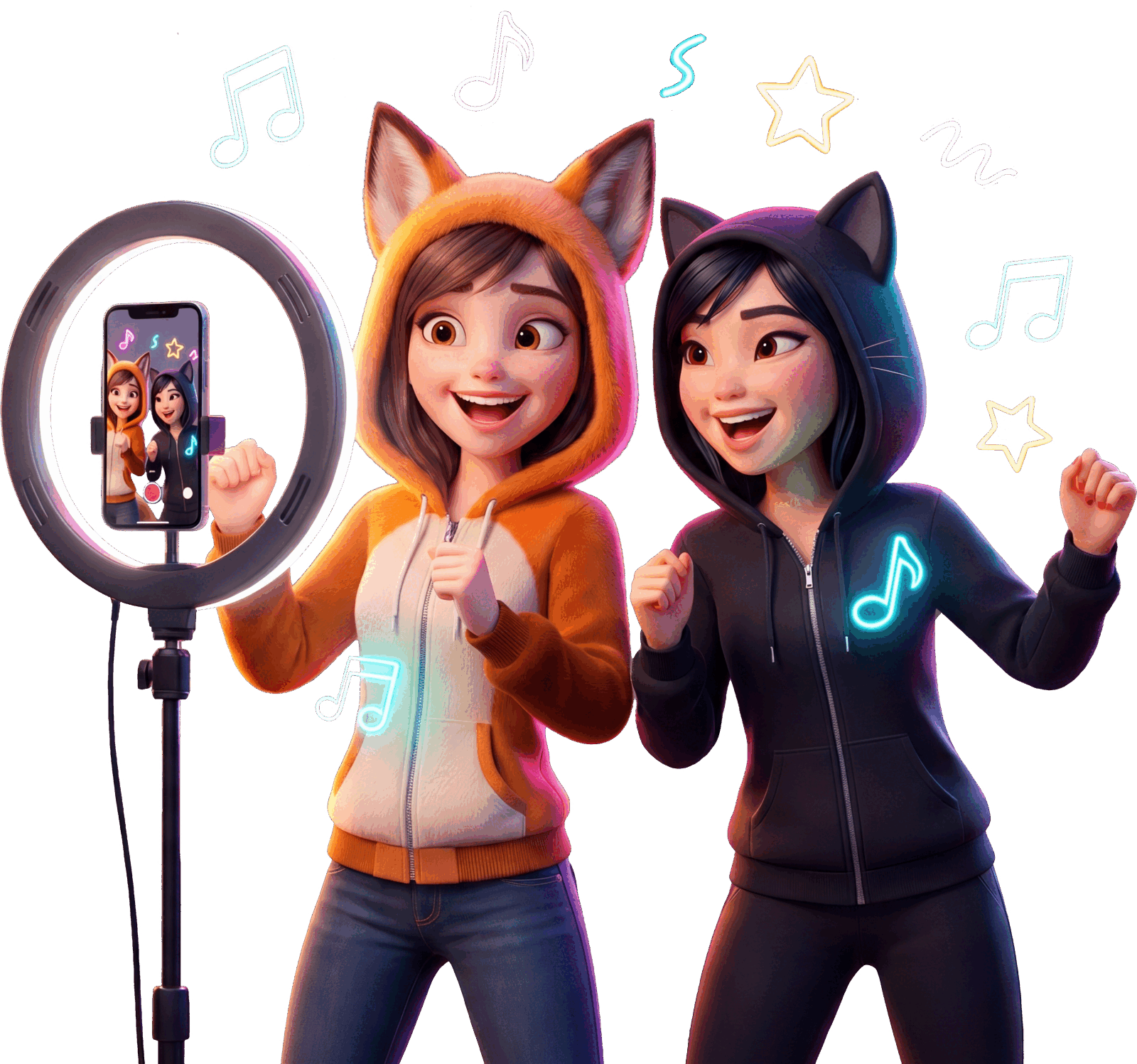
Nova and Sage going live on Helm

Live

Family-only Live for kids and teens, with parent notify and one-tap stop from your phone.

See how Live works →
Free to join

Hand them the phone. Keep the helm.

Set up your whole household on family-safe social media in one evening. No ads, no data sales, and every control in your hands.

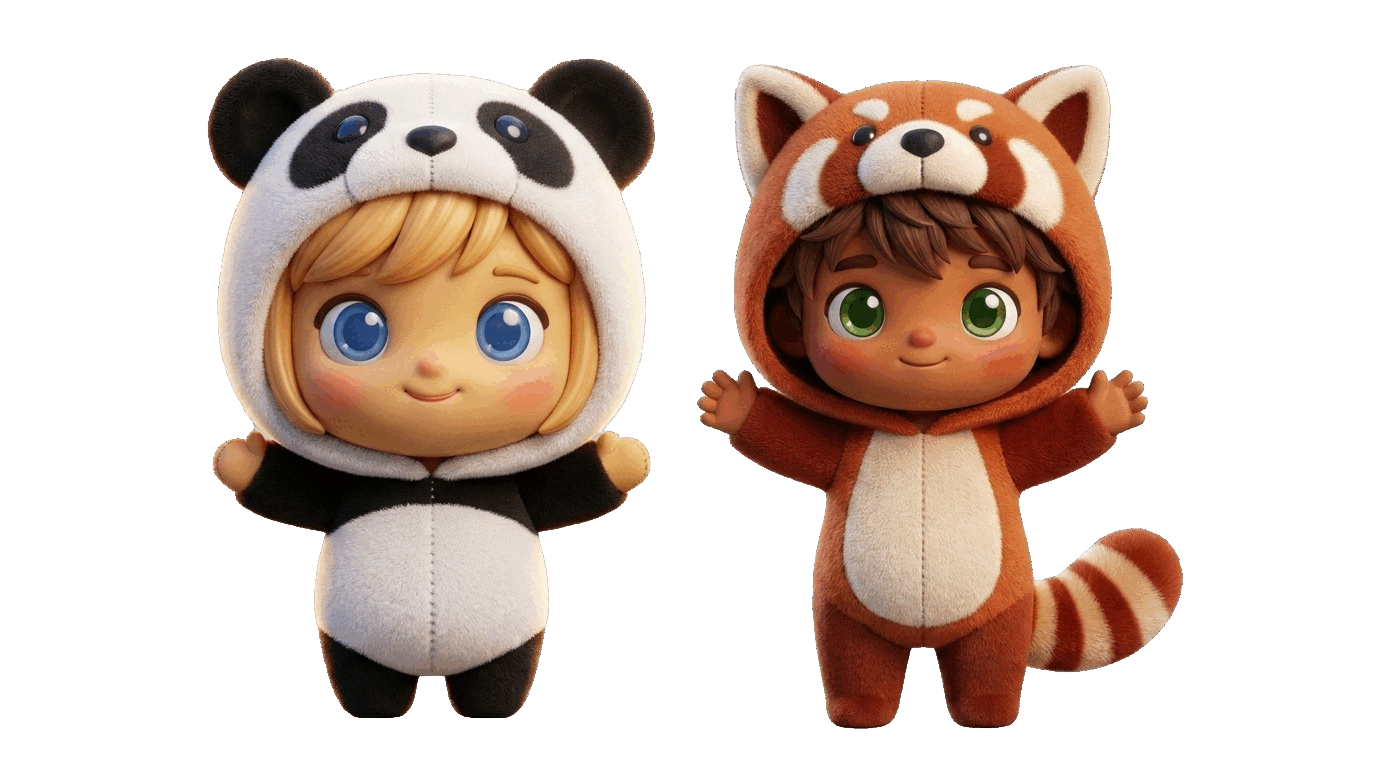
Pip and Rio, the Helm mascots, ready to join your family